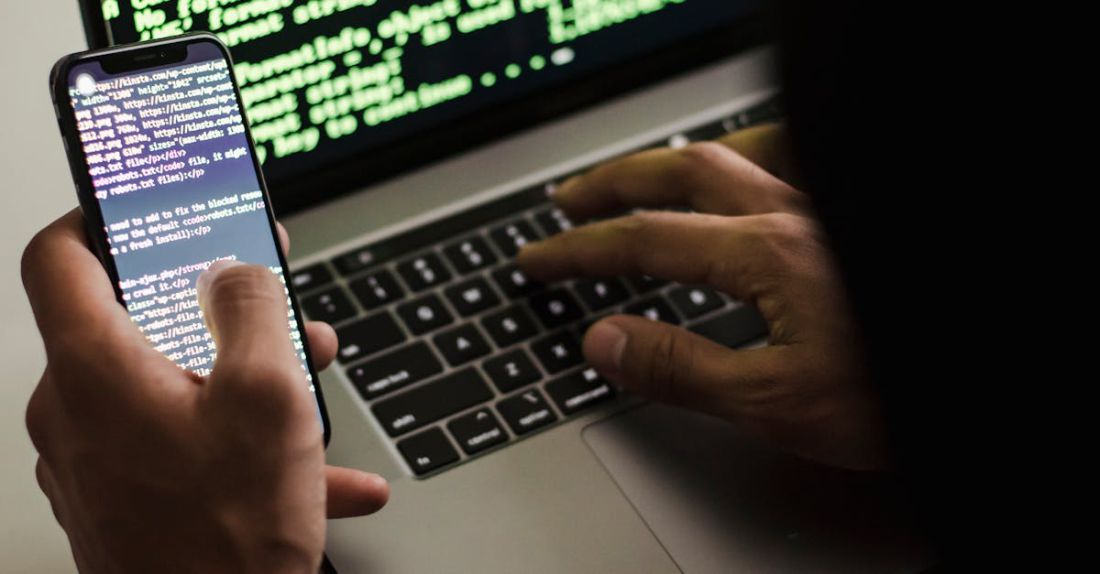
Mobile devices have become an essential part of our daily lives, allowing us to stay connected, productive, and entertained on the go. However, with the convenience of these devices comes the risk of security threats that can compromise our personal information and privacy. In today’s digital age, it is more important than ever to take proactive steps to secure our mobile devices from potential cyber threats. By following some simple guidelines and best practices, you can protect your mobile devices and safeguard your data from unauthorized access.
**Lock Your Device**
One of the most basic yet effective ways to secure your mobile device is to set up a lock screen. Whether it’s a PIN, password, pattern, or biometric authentication like fingerprint or face recognition, a lock screen acts as the first line of defense against unauthorized access. Make sure to enable automatic lock settings so that your device locks itself after a period of inactivity. This simple step can prevent unauthorized users from accessing your device and sensitive information.
**Keep Your Software Up to Date**
Regularly updating your device’s operating system and apps is crucial for maintaining security. Software updates often include patches for known vulnerabilities and security improvements that can protect your device from potential threats. Set your device to automatically download and install updates to ensure that you are running the latest software versions. By keeping your device up to date, you can stay one step ahead of cyber attackers and reduce the risk of security breaches.
**Use Secure Wi-Fi Networks**
When connecting to Wi-Fi networks, be cautious about the networks you join, especially public Wi-Fi hotspots. Public Wi-Fi networks are often unsecured, making them prime targets for cybercriminals to intercept data transmitted over the network. Whenever possible, use a virtual private network (VPN) to encrypt your internet traffic and protect your data from prying eyes. Additionally, avoid accessing sensitive information, such as online banking or personal accounts, while connected to public Wi-Fi to prevent potential data breaches.
**Enable Two-Factor Authentication**
Two-factor authentication (2FA) adds an extra layer of security to your accounts by requiring a second form of verification, such as a code sent to your phone or email, in addition to your password. Enable 2FA on all your accounts, including email, social media, and financial accounts, to enhance security and prevent unauthorized access. Even if someone manages to obtain your password, they will still need the second factor to gain access to your accounts, reducing the risk of unauthorized login attempts.
**Be Mindful of App Permissions**
When installing apps on your mobile device, pay attention to the permissions they request. Some apps may ask for access to sensitive information or features that they do not need to function properly. Review app permissions before granting them to ensure that you are not inadvertently giving access to your personal data. Limit permissions to only what is necessary for the app to work and consider uninstalling apps that require excessive permissions or seem suspicious.
**Backup Your Data**
Regularly backing up your data is essential in case your device is lost, stolen, or compromised. Use cloud storage services or external storage devices to back up your photos, videos, documents, and other important files. By having a backup of your data, you can easily restore it in the event of a security incident or device failure. Set up automatic backups to ensure that your data is consistently protected and easily accessible when needed.
**Conclusion: Stay Vigilant**
Securing your mobile devices is an ongoing process that requires vigilance and awareness of potential security risks. By following the tips outlined above and staying informed about the latest security threats, you can protect your personal information and privacy on your mobile devices. Remember to stay proactive, keep your software up to date, and use strong authentication methods to safeguard your data from cyber threats. With the right precautions and practices in place, you can enjoy the convenience of your mobile devices without compromising your security.